AI Paint Visualizer for Your House
Upload a photo of your house or a room and see new paint colors on it in under a minute. This AI color visualizer repaints your own photo, so you can compare siding, trim, door and wall colors before you buy paint.
Select Paint Mode
Exterior Paint
Interior Paint
Weather-Specific Paint
Upload Image
Instructions
Advanced editing engine
Results
Your paint design will appear here after generation
Your paint design will appear here after generation
Exterior house paint visualizer
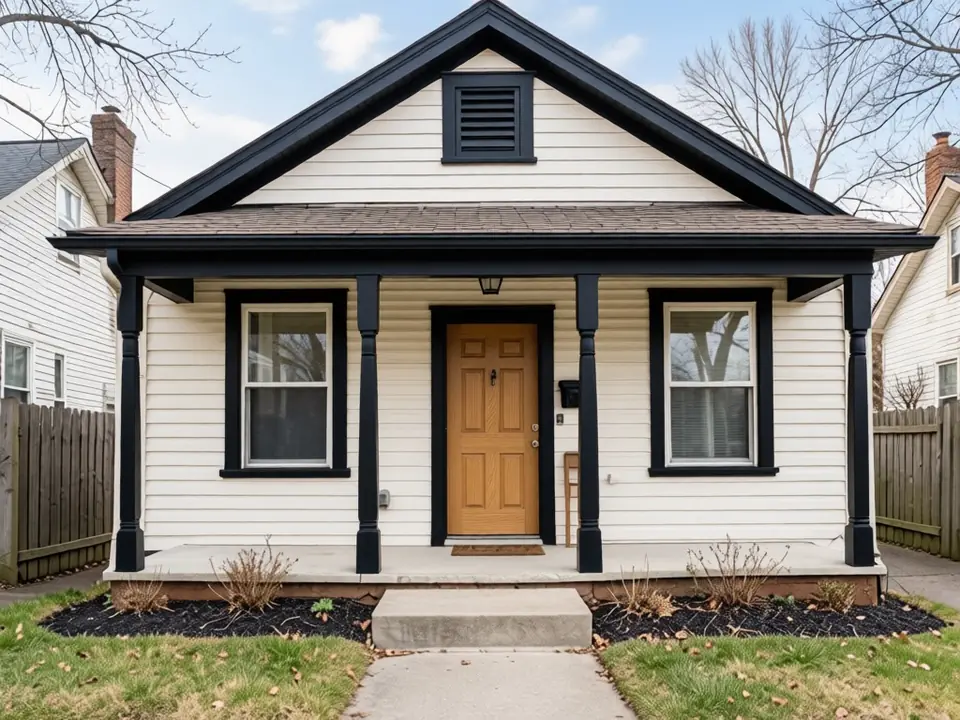
A small paint chip rarely shows how a color will look across a whole house in daylight. Upload a front photo of your home, choose Exterior Paint and type the color scheme you want. The AI repaints your own house in the photo, so you judge the color against your roof, windows, brick and landscaping instead of a sample house.
- Siding. The siding is most of what people see from the street. Try a few body colors one after another, such as sage green, navy blue or warm white, and compare how each one sits next to your roof.
- Trim. Trim frames the windows, corners and roof edge. White trim makes a color look crisp, while black trim gives a darker, modern farmhouse look.
- Front door. The door is the easiest place for a bold accent. Red, black, navy or a natural wood tone can change the whole entry.
- Shutters. Shutters can match the trim, match the door or add a third color. Seeing them on your photo shows quickly whether the house looks balanced or busy.
Tip: describe the scheme in the color box, for example “sage green siding, white trim, black front door”. To adjust one part afterwards, use Change Paint on the result. For a fair comparison, shoot the whole front of the house from the street on a bright, overcast day, then run the same photo with two or three schemes and look at them side by side before you pick one.
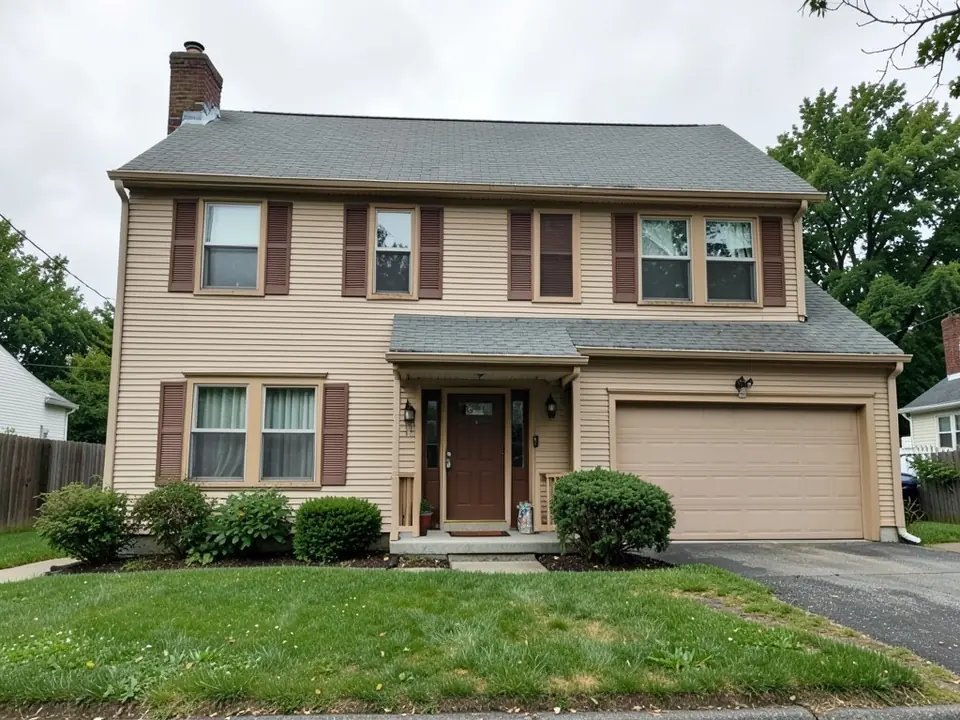 Before
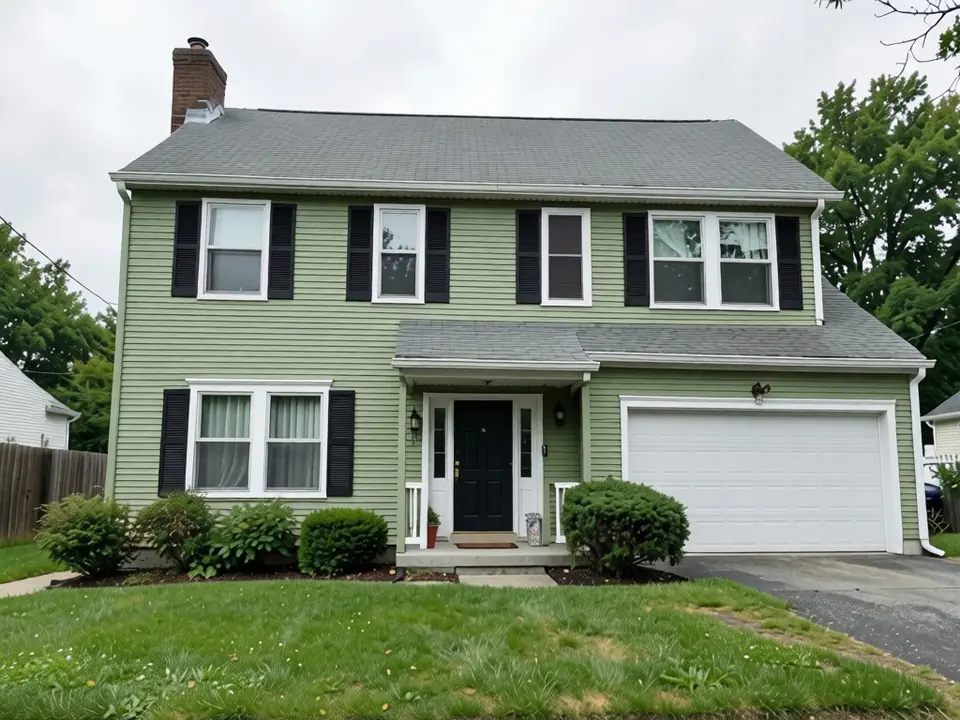 After
After Before
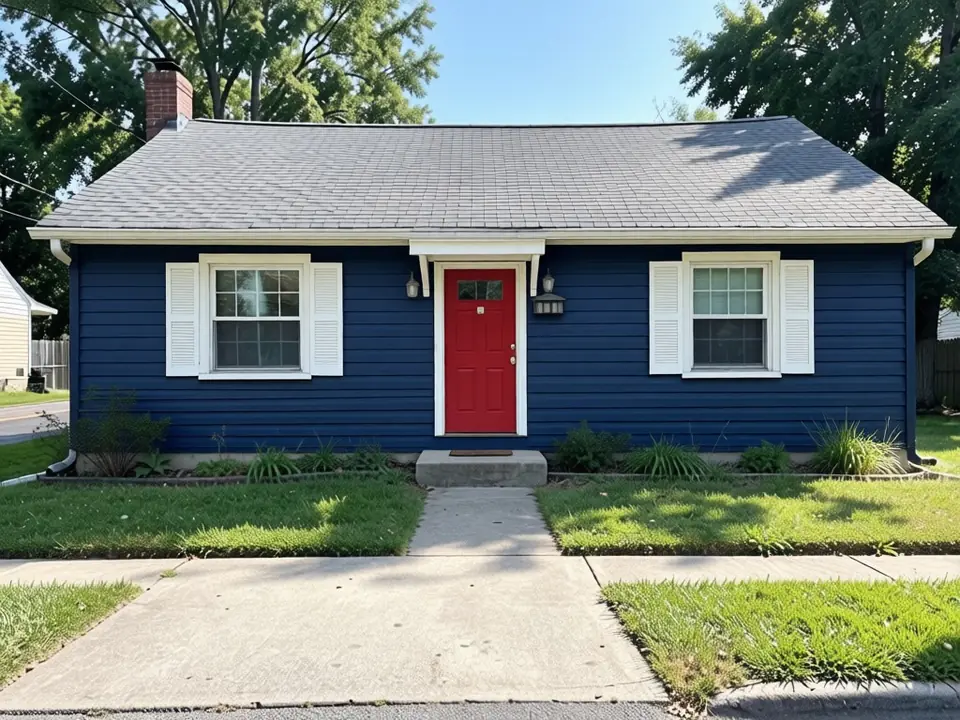 After
After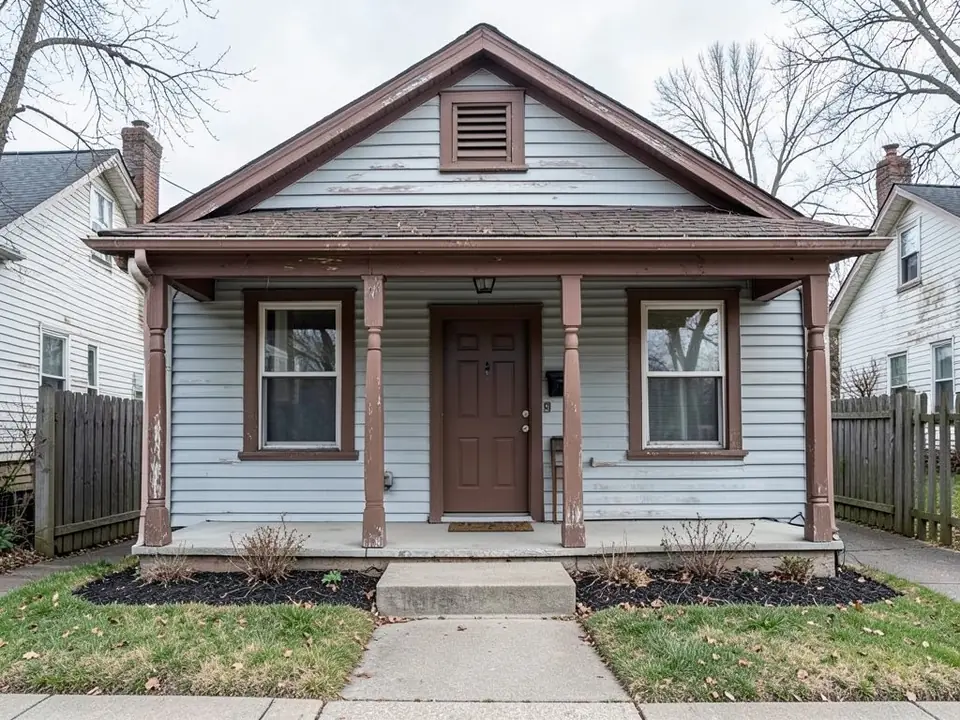 Before
 After
AfterChange room paint colors
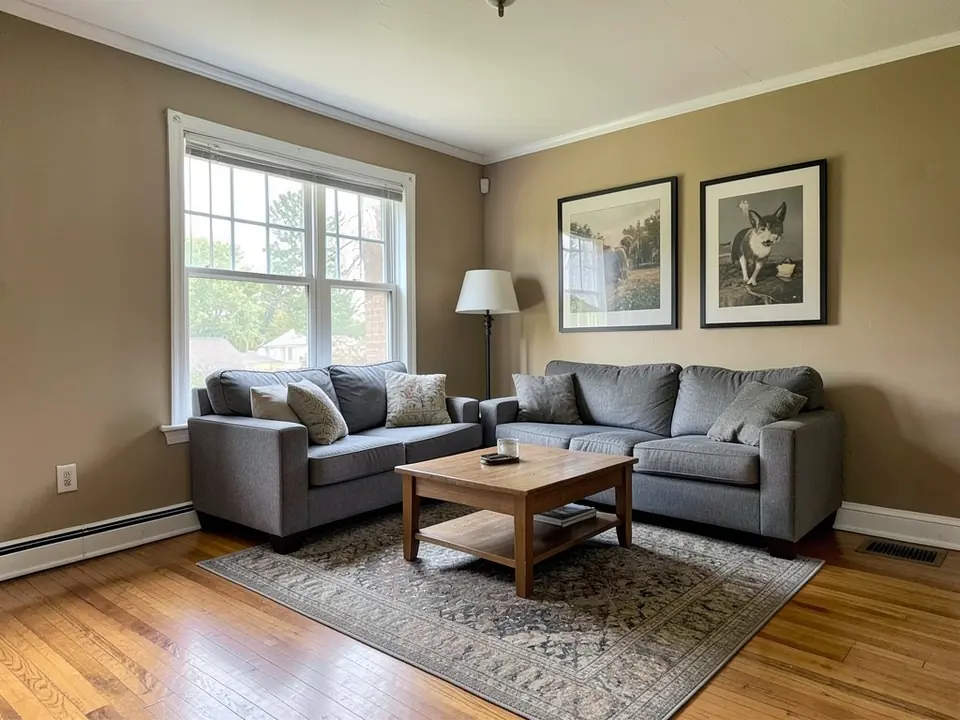
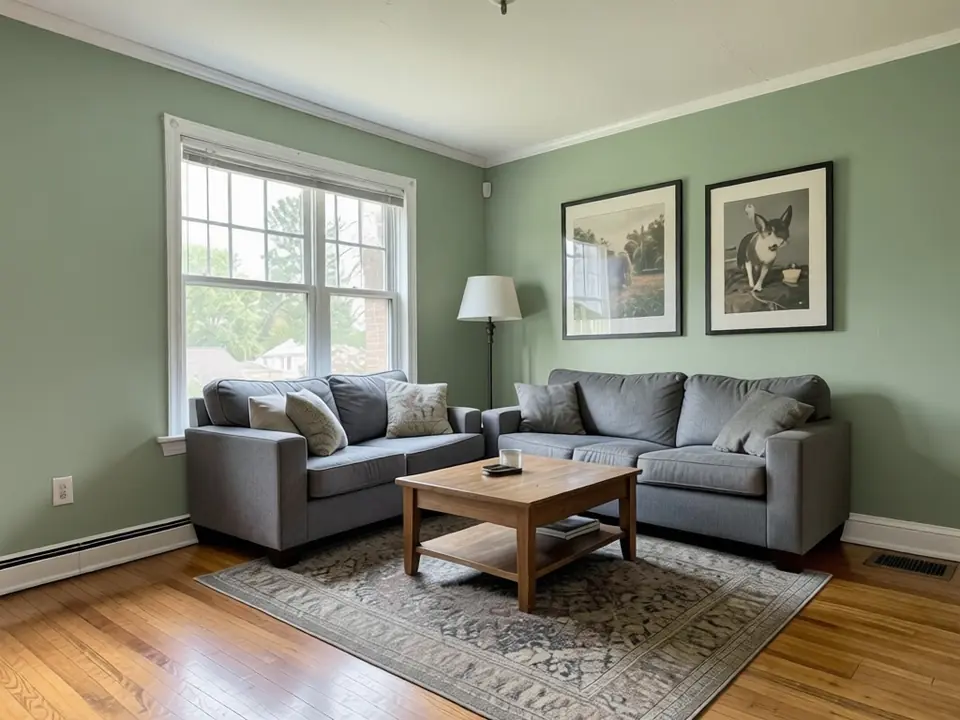
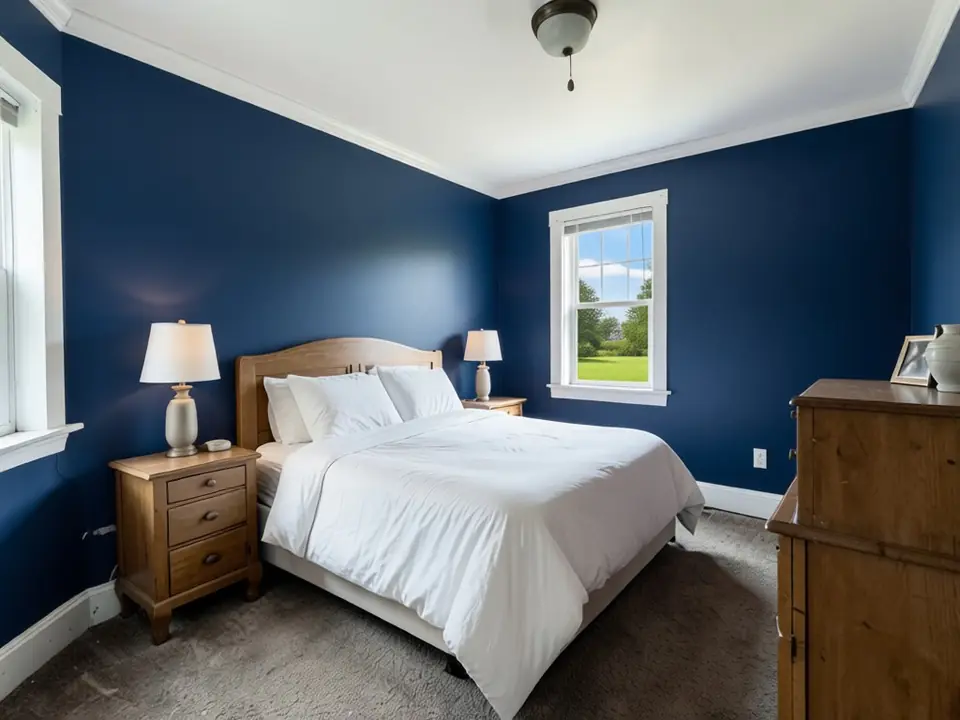
The same tool works indoors. Choose Interior Paint, pick the room type, upload a photo of the room and type a wall color. The AI repaints the walls and keeps the layout of the room, so you see the new color with your own sofa, bed, floors and light. It is a quick way to test a bold color like navy or forest green before you commit, or to compare two neutrals that look almost the same on a swatch card.
For the truest result, take the photo in daylight and include some trim and ceiling. A room with little natural light makes most colors look darker than the chip, and your photo shows that better than a swatch does. Treat the result as a preview and check a real paint sample on the wall before you buy.
 Before
 After
After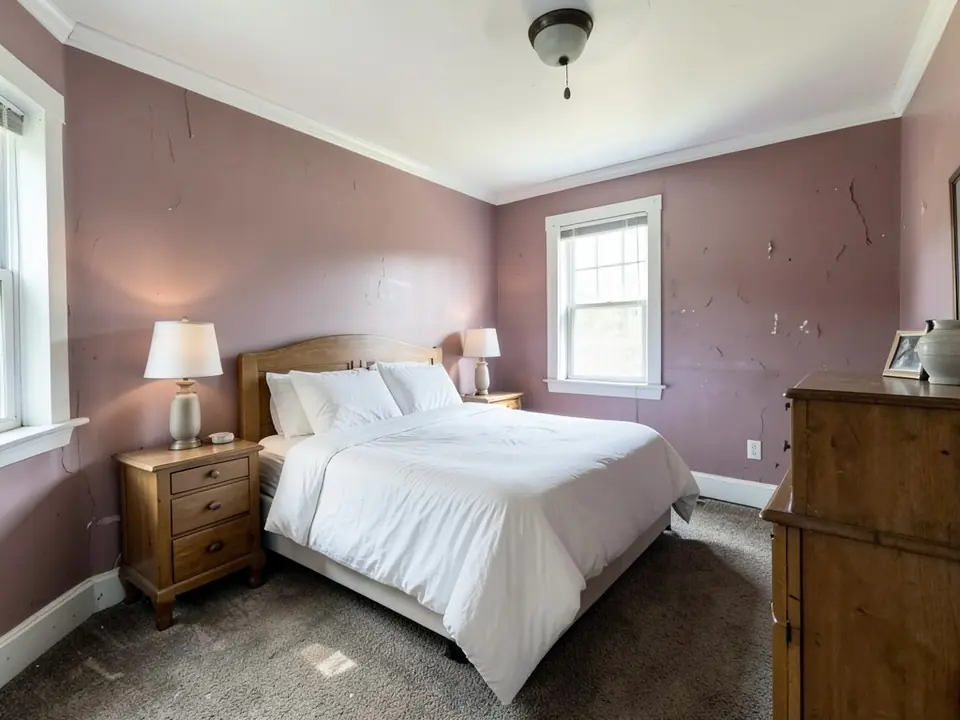 Before
 After
AfterAvailable Languages
Our platform supports a wide variety of languages. Choose your preferred language below to view the site in that language.
Overview
Transform your spaces with our AI-powered tools
AI-Powered Paint Previews
Instantly visualize any wall or surface in new colors using smart detection and rendering powered by AI.
Smart Surface Detection
Automatically detect and isolate walls, ceilings, trim, and exteriors for precision color placement.
Interior & Exterior Ready
Tailored modes for indoor rooms or external facades with curated palettes for both scenarios.
How It Works
Upload a Photo
Choose a photo of the room, facade, or wall you want to paint. Supported formats: JPG, PNG.
Choose Painting Mode
Select whether you're visualizing an interior or exterior project.
Define Surface Area
Pick the building or room type and describe what to repaint, such as the siding, trim or walls. The AI finds those surfaces in your photo.
Pick Colors or Upload Codes
Type any color or scheme in plain words, such as sage green siding with white trim.
Preview & Compare
Generate the visualization, then save, compare, or share different color versions side-by-side.
Use Cases
Discover how our technology can help in various scenarios
Home Renovation Planning
Test different colors on your walls or exterior before making expensive paint decisions.
Interior Design Mockups
Create quick visual mockups for client presentations or design ideation.
Architectural Color Reviews
Architects and designers can evaluate color impact on materials and light behavior.
Real Estate Marketing
Stage properties virtually with neutral or modern paint schemes to attract buyers.
Commercial Branding Projects
See how branded colors would appear on storefronts, office walls, or signage.
Frequently Asked Questions
Yes. Sign in with Google or email and your first renders are free, so you can try colors on a photo of your own house before you pay anything. Free renders carry a watermark; a paid plan adds more renders, higher quality and no watermark. Free renders are not offered in every country.